
EC2 vs Containers vs Lambda: How I Think About AWS Compute (and How You Should Too)
If you’re a student, junior developer, or even a mid-level engineer who’s used AWS but never fully internalized the differences, this article is for you.

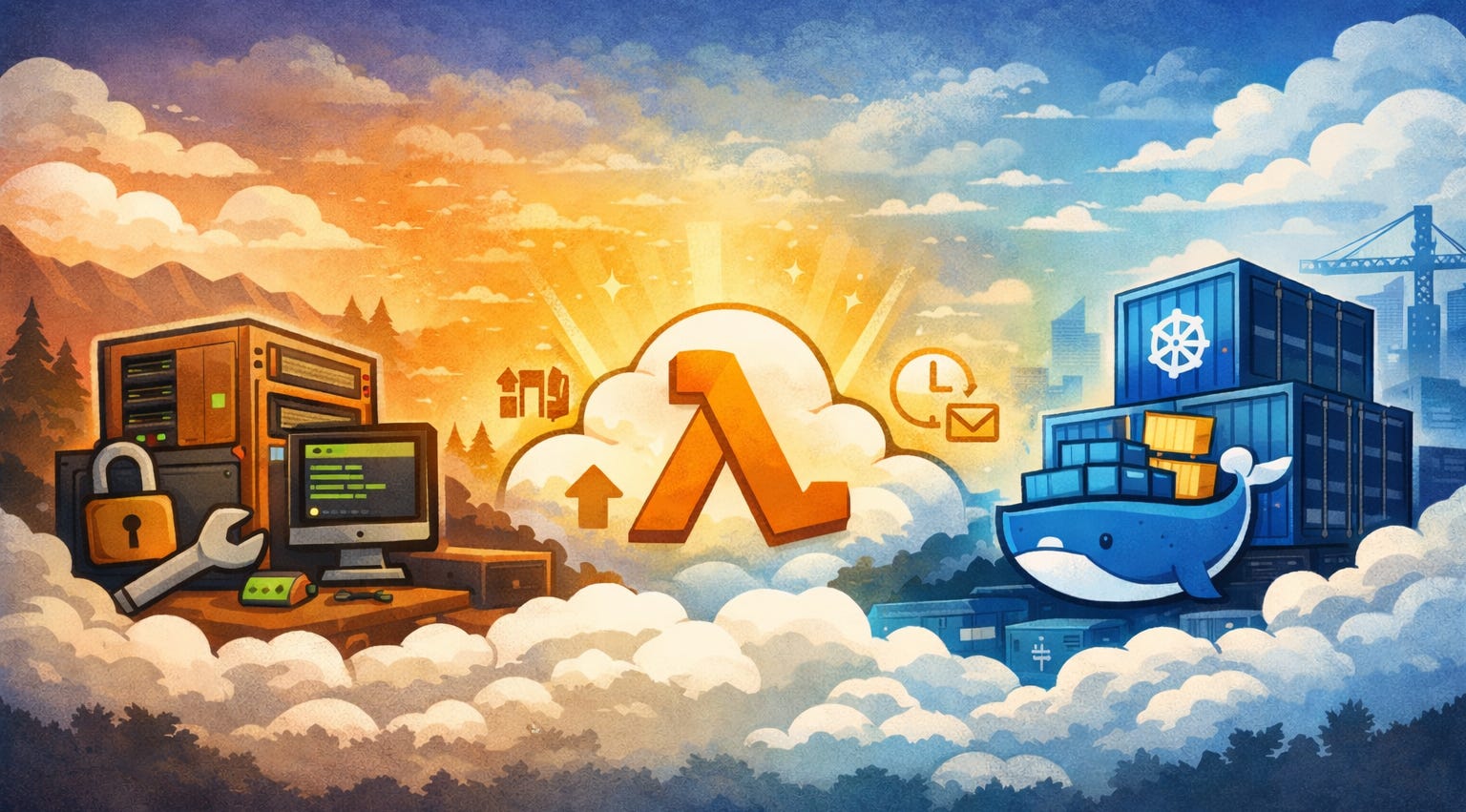
When you start building applications on AWS, one of the earliest and most confusing decisions is how your code should run. AWS gives you multiple compute options, but three come up again and again:
Amazon EC2
AWS Lambda
Containers (ECS / EKS with Docker)
At first glance, they may seem interchangeable—after all, they all “run code.” But in reality, they represent very different mental models and trade-offs.
This article will walk through EC2, Lambda and Containers from first principles, explain how they differ, and help you understand when and why you’d choose one over the other.
Before diving into each service, it helps to frame the discussion around one key question:
How much infrastructure do you want to manage yourself?
Think of AWS compute options as a spectrum:
On one end, you control everything
On the other end, AWS controls almost everything
EC2, Containers, and Lambda sit at different points along this spectrum.
Amazon EC2: The Virtual Server Model
What EC2 Really Is?
Amazon EC2 (Elastic Compute Cloud) is essentially a virtual machine in the cloud. If you’ve ever used a physical server or installed Linux on your laptop, EC2 will feel familiar.
When you launch an EC2 instance:
You choose the operating system
You decide CPU and memory
You install runtimes (Node.js, Java, Python, etc.)
You manage patches, security updates, and scaling
In short, EC2 gives you raw power and flexibility.
How Applications Run on EC2
Typically, you’ll:
SSH into the machine
Install dependencies
Run a web server (e.g., Express, .NET, Spring Boot, Django)
Configure load balancers and auto-scaling groups
Your application runs continuously, even when no one is using it.
Why EC2 Still Matters
Despite newer abstractions, EC2 is far from obsolete. It’s ideal when:
You need full OS-level control
You run legacy or stateful applications
You have long-running background processes
You need predictable performance
The Trade-Off
With EC2, you are responsible for everything:
Scaling up and down (not automatic, typically solved using Auto Scaling)
Handling failures
Applying security patches
Monitoring disk and memory usage
This can be empowering—but also overwhelming for small teams.
Containers: The Middle Ground
What Are Containers?
Containers package your application along with its dependencies into a single, portable unit. Docker is the most common container runtime.
Instead of saying:
“Run this app on Ubuntu 22 with Node 18”
You say:
“Run this container anywhere that supports Docker”
AWS provides managed container platforms:
ECS (Elastic Container Service) – simpler, AWS-native
EKS (Elastic Kubernetes Service) – Kubernetes-based, more powerful
How Containers Change the Game?
With containers:
You no longer worry about OS differences
Your app behaves the same in dev, staging and production
Multiple services can run on the same host safely
You still run on EC2 (or Fargate), but you don’t manage individual servers directly.
Containers and Microservices
Containers shine in microservice architectures, where:
Each service runs independently
Services can scale separately
Teams deploy frequently without impacting others
For example, you might have:
Auth service
Payments service
Notifications service
Each running as its own container.
The Trade-Off
Containers reduce operational burden, but they introduce:
Orchestration complexity
Networking and service discovery challenges
A learning curve (especially Kubernetes)
Compared to EC2, you manage less. Compared to Lambda, you manage more.
AWS Lambda: The Serverless Model
What “Serverless” Actually Means?
“Serverless” does not mean there are no servers.
It means:
You don’t manage servers at all.
With AWS Lambda, you upload a function and AWS:
Runs it when triggered
Scales it automatically
Charges you only for execution time
You never think about machines, disks or processes.
How Lambda Works in Practice
A Lambda function is typically triggered by:
HTTP requests (via API Gateway)
S3 uploads
Database events
SQS messages
Scheduled cron jobs
Each execution is stateless, short-lived, and isolated.
Why Developers Love Lambda?
Lambda is powerful because:
There’s no idle cost
Scaling is automatic
Deployment is fast
Infrastructure complexity is minimal
For many APIs and background jobs, Lambda is the fastest way to go from idea to production.
The Trade-Off
Lambda is not a silver bullet. Its limitations include:
Execution time limits
Cold start latency
Harder local debugging
Stateless design constraints
Long-running or compute-heavy workloads may struggle here.
Comparing Them Through Real Scenarios
Imagine you’re building a REST API.
Using EC2
You would:
Launch a server
Install your runtime
Keep it running 24/7
Manually scale or configure auto-scaling
This works well, but you pay even when idle.
Using Containers
You would:
Package your API in Docker
Deploy via ECS or EKS
Let the platform manage restarts and scaling
This is great for teams, microservices, and consistent environments.
Using Lambda
You would:
Write a function
Expose it via API Gateway
Let AWS scale automatically
This is ideal for spiky traffic or small teams.
How to Choose (A Mental Model)
Instead of memorizing rules, ask yourself:
Do I need full control? → EC2
Do I want consistency and scalability without server management? → Containers
Do I want minimal ops and pay-per-use? → Lambda
Many real-world systems use all three together:
Lambda for APIs and background jobs
Containers for core services
EC2 for specialized workloads
Final Thoughts
As a junior or mid-level developer, don’t stress about picking “the best” option. Each compute model exists for a reason.
What matters more is understanding:
The operational cost
The scaling model
The mental overhead
Once you grasp these differences, AWS architecture decisions become far more intuitive—and far less intimidating.